Latest Website Design Trends for 2026
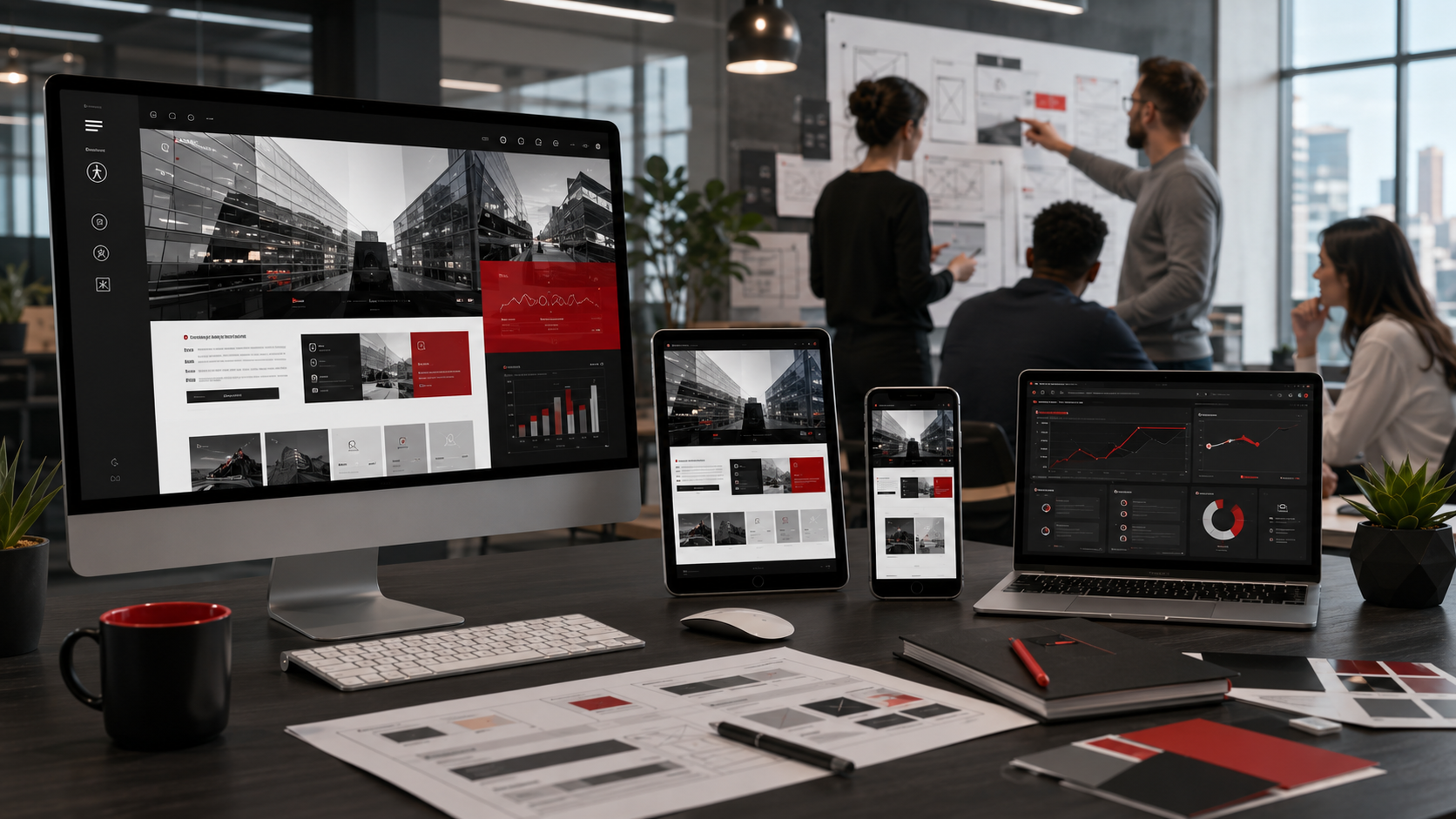
Website Design Continues to Evolve
Website design changes as technology advances, customer expectations grow, and organizations discover better ways to communicate online.
Some design trends are primarily visual and disappear quickly. Others represent lasting improvements in usability, accessibility, performance, and functionality. The strongest websites do not adopt every new effect or interface style. They selectively use design practices that help visitors understand information, complete tasks, and trust the organization.
In 2026, effective website design is increasingly defined by how well the site performs for real users. Visual quality remains important, but appearance must work together with mobile usability, accessibility, search visibility, security, speed, and clear content.
Mobile-First Design Remains Essential
Mobile-first design begins with the smallest practical screen and progressively enhances the experience for tablets, laptops, and larger displays.
The approach encourages designers to prioritize essential content, simplify navigation, reduce unnecessary elements, and create touch-friendly controls. It also helps prevent desktop layouts from becoming crowded or difficult to use when compressed onto a smartphone.
Mobile design remains important for search visibility because Google uses the mobile version of a website’s content for indexing and ranking. The mobile and desktop versions should therefore provide equivalent primary content, metadata, images, and structured information.
A strong mobile-first website should provide:
- Clear and readable text
- Convenient tap targets
- Fast-loading images
- Simple navigation
- Short, usable forms
- Prominent calls to action
- Consistent content across devices
Mobile-first design does not mean neglecting desktop visitors. It means establishing a focused foundation and expanding the experience as more screen space becomes available.
Responsive Components Are Becoming More Flexible
Traditional responsive design commonly adjusts an entire layout according to the width of the browser viewport. Modern websites can also adapt individual components according to the space available within their immediate containers.
Container queries allow a card, navigation area, content block, or dashboard widget to reorganize itself based on the dimensions of its parent component rather than the entire screen. That capability makes reusable design systems more flexible because the same component can function effectively in several page locations.
For example, a service card could display an image beside its text in a wide content region, then place the image above the text when the same card appears in a narrower sidebar.
Media queries remain useful for page-level responsiveness. Container queries complement them by improving the adaptability of individual components.
Accessibility Is a Core Design Requirement
Accessible design is no longer a feature that should be considered near the end of a website project. It should influence design, content, development, and testing from the beginning.
The Web Content Accessibility Guidelines help organizations make digital content more usable for people with visual, auditory, physical, cognitive, speech, learning, language, and neurological disabilities. W3C encourages organizations to use the latest version, WCAG 2.2, which adds requirements addressing areas such as focus visibility, target sizes, authentication, and consistent help.
Accessible website design includes:
- Adequate color contrast
- Descriptive alternative text
- Keyboard-accessible navigation
- Clearly visible focus indicators
- Proper labels for form fields
- Logical heading structures
- Captions for meaningful video content
- Transcripts for relevant audio
- Readable text and spacing
- Controls that are large enough to activate
Accessibility often improves usability for everyone, including visitors using mobile devices, older users, people experiencing temporary impairments, and customers navigating in difficult environments.
Performance Is Part of the Design
Website speed should not be treated only as a technical development concern. Design decisions directly affect performance.
Large background videos, oversized images, excessive animations, complex page builders, numerous tracking scripts, and unnecessary third-party features can make an attractive website frustrating to use.
Core Web Vitals measure real-world loading performance, interactivity, and visual stability. Google recommends achieving good Core Web Vitals because the metrics support both search success and a better overall user experience. Google also makes clear that strong scores alone do not guarantee high rankings.
Performance-focused design practices include:
- Compressing and resizing images
- Loading below-the-fold media only when needed
- Limiting unnecessary scripts
- Selecting lightweight fonts
- Reserving space for images and embeds
- Simplifying complex animations
- Using efficient layouts
- Choosing reliable hosting
A premium website should feel immediate and stable, not merely look impressive in a static design mockup.
Clean and Purposeful Layouts Are Replacing Clutter
Modern website layouts continue moving toward clarity, stronger visual hierarchy, and deliberate use of space.
Visitors should be able to identify the page topic, understand the organization’s value, and locate the next step without navigating through decorative distractions.
Effective layouts commonly use:
- Clear content sections
- Consistent spacing
- Focused calls to action
- Strong but restrained typography
- Shorter paragraphs
- Descriptive headings
- Relevant imagery
- Limited color palettes
Minimalism does not require every website to look sparse or identical. It means that each element should serve a purpose.
A government contractor, restaurant, technology company, and creative agency can all use different visual styles while maintaining clarity and usability.
Bold Typography Is Being Used More Strategically
Large typography continues to play an important role in modern website design, particularly in hero sections and important content transitions.
Typography can establish hierarchy, reinforce brand identity, and help users scan information quickly. However, oversized text should remain readable and responsive rather than overpowering the interface.
Effective typography should consider:
- Font readability
- Line length
- Line spacing
- Contrast
- Heading hierarchy
- Responsive sizing
- Brand consistency
Decorative fonts may work well for short headings or branding, but body content should remain easy to read across devices.
The strongest designs use typography to improve comprehension rather than simply create visual drama.
Motion Should Be Purposeful and Optional
Animation can guide attention, explain transitions, confirm user actions, and make interfaces feel more polished. However, excessive movement can distract users, reduce performance, and create accessibility concerns.
Modern CSS capabilities support more advanced transitions and scroll-based effects, but designers should adopt them carefully. Some newer transition features may not yet have consistent support across all widely used browsers, making progressive enhancement important.
Purposeful motion may include:
- Subtle content reveals
- Button feedback
- Menu transitions
- Progress indicators
- Page-change animations
- Interactive data visualizations
Websites should also respect user preferences. The prefers-reduced-motion media feature allows a site to reduce or replace nonessential animation when a visitor has enabled a reduced-motion preference on the device.
Animation should support understanding, not compete with the content.
Authentic Imagery Is More Valuable Than Generic Visuals
Audiences increasingly recognize generic stock photography that does not accurately represent an organization.
Modern websites benefit from imagery that reflects actual employees, environments, services, products, projects, and customers. Authentic visuals strengthen trust because visitors can better understand who the organization is and what it provides.
Useful visual content may include:
- Professional team photography
- Product demonstrations
- Project photographs
- Before-and-after images
- Customer environments
- Original illustrations
- Informational diagrams
- Screenshots of actual systems
Artificial intelligence can assist with concept development and visual production, but generated images should be evaluated carefully for realism, accuracy, brand alignment, and potentially misleading details.
Video Is Becoming More Integrated
Video remains an effective way to explain services, demonstrate products, introduce leadership, present testimonials, or simplify complicated concepts.
Modern website design increasingly incorporates video as a supporting element rather than forcing every visitor to watch a long presentation.
Useful applications include:
- Short service demonstrations
- Customer testimonials
- Project overviews
- Product walkthroughs
- Educational clips
- Background video used sparingly
- Leadership introductions
Videos should have descriptive titles, useful thumbnails, captions, and relevant supporting text. Google recommends making video the primary content of a dedicated watch page when video search visibility is an important objective. Video structured data can also help Google understand information such as the thumbnail, duration, and upload date.
Video should be optimized so that it does not delay page loading or interfere with visitors who prefer to read.
Content-First Design Supports Users and Search
A visually impressive page cannot compensate for unclear, inaccurate, or unhelpful content.
Content-first design begins by understanding what visitors need to know and what actions they need to complete. The visual layout is then developed to support that information.
Strong content-first design uses:
- Clear page titles
- Descriptive headings
- Direct explanations
- Relevant examples
- Frequently asked questions
- Meaningful calls to action
- Logical internal links
- Accurate service details
Google’s current guidance emphasizes helpful, reliable, people-first content rather than content created primarily to manipulate rankings.
Designers, developers, writers, and subject-matter experts should collaborate rather than treating content as placeholder material to be inserted after the interface has already been completed.
Websites Must Support AI-Assisted Search Experiences
Search experiences now include AI-generated summaries and conversational interfaces alongside traditional search results.
Website owners do not need to abandon established SEO practices. Google’s guidance for AI search features continues to emphasize crawlable content, strong page experience, high-quality text, useful images and video, and standard search optimization practices.
Design implications include:
- Organizing information clearly
- Using descriptive headings
- Answering specific questions directly
- Supporting text with relevant visuals
- Maintaining accurate business information
- Avoiding content hidden behind unnecessary interactions
- Creating pages that remain understandable without decorative effects
Websites should be designed so that both people and search technologies can interpret the information easily.
Trust Signals Should Be Visible and Verifiable
Visitors want evidence that an organization is legitimate, qualified, secure, and capable of delivering the promised service.
Modern website layouts increasingly make trust information visible throughout the customer journey rather than placing everything on a single About page.
Useful trust signals may include:
- Certifications
- Client testimonials
- Case studies
- Customer reviews
- Leadership biographies
- Professional affiliations
- Security information
- Past experience
- Awards and recognition
- Clear contact details
Trust indicators should be accurate, current, and verifiable. Decorative seals or unsupported claims can weaken credibility rather than strengthen it.
Personalization Should Remain Practical
Personalization can help visitors reach relevant content more quickly, but it should be used thoughtfully.
A website may tailor content based on a visitor’s selected industry, service interest, language, location, account status, or previous actions. The goal should be to reduce friction rather than create an unnecessarily complex or intrusive experience.
Practical personalization may include:
- Industry-specific landing pages
- Saved preferences
- Relevant resource recommendations
- Location-aware service information
- Personalized account dashboards
- Role-based portal content
Organizations should also remain transparent about data collection and provide clear privacy information.
Modular Design Systems Improve Consistency
Organizations increasingly rely on reusable components rather than designing every page independently.
A modular design system may include standardized:
- Buttons
- Cards
- Forms
- Navigation elements
- Content sections
- Alerts
- Testimonials
- Statistics
- Calls to action
Reusable components improve visual consistency, simplify maintenance, and make it easier to expand the website without creating mismatched page designs.
Container queries further strengthen component-based design by allowing individual modules to adjust according to their available space.
A design system should still allow enough flexibility to prevent every page from feeling repetitive.
Strong Design Must Support Business Objectives
Website trends are useful only when they improve the organization’s ability to communicate, serve customers, generate leads, sell products, or deliver services.
Before adopting a design trend, decision-makers should ask:
- Does it improve usability?
- Does it support accessibility?
- Does it reinforce the brand?
- Does it improve comprehension?
- Does it affect performance?
- Can it be maintained?
- Does it help visitors complete an action?
- Does it support the organization’s goals?
A trend that looks impressive but slows the site, confuses visitors, or complicates maintenance may not be appropriate.
How SingTone Technologies Approaches Modern Website Design
SingTone Technologies designs and develops websites that combine professional appearance with usability, accessibility, security, SEO, performance, and long-term maintainability.
Our website solutions may include:
- Accessibility planning and testing
- Analytics and performance monitoring
- Content strategy
- Custom application development
- Mobile-first design
- Responsive component systems
- Search engine optimization
- Secure hosting and maintenance
- User-experience design
- Website modernization
We select technologies and design features according to the client’s goals rather than applying every available trend.
Build for the Future, Not Just the Current Trend
The strongest website design trends for 2026 are not based solely on colors, effects, or visual styles. They reflect broader expectations for faster, clearer, more accessible, more responsive, and more trustworthy digital experiences.
Organizations should build websites that can evolve as technologies, regulations, business objectives, and customer expectations change.
SingTone Technologies shall help organizations create modern digital experiences that reflect their brands, support their missions, and deliver measurable long-term value.